MR. SPLOTCH!
A downloadable game
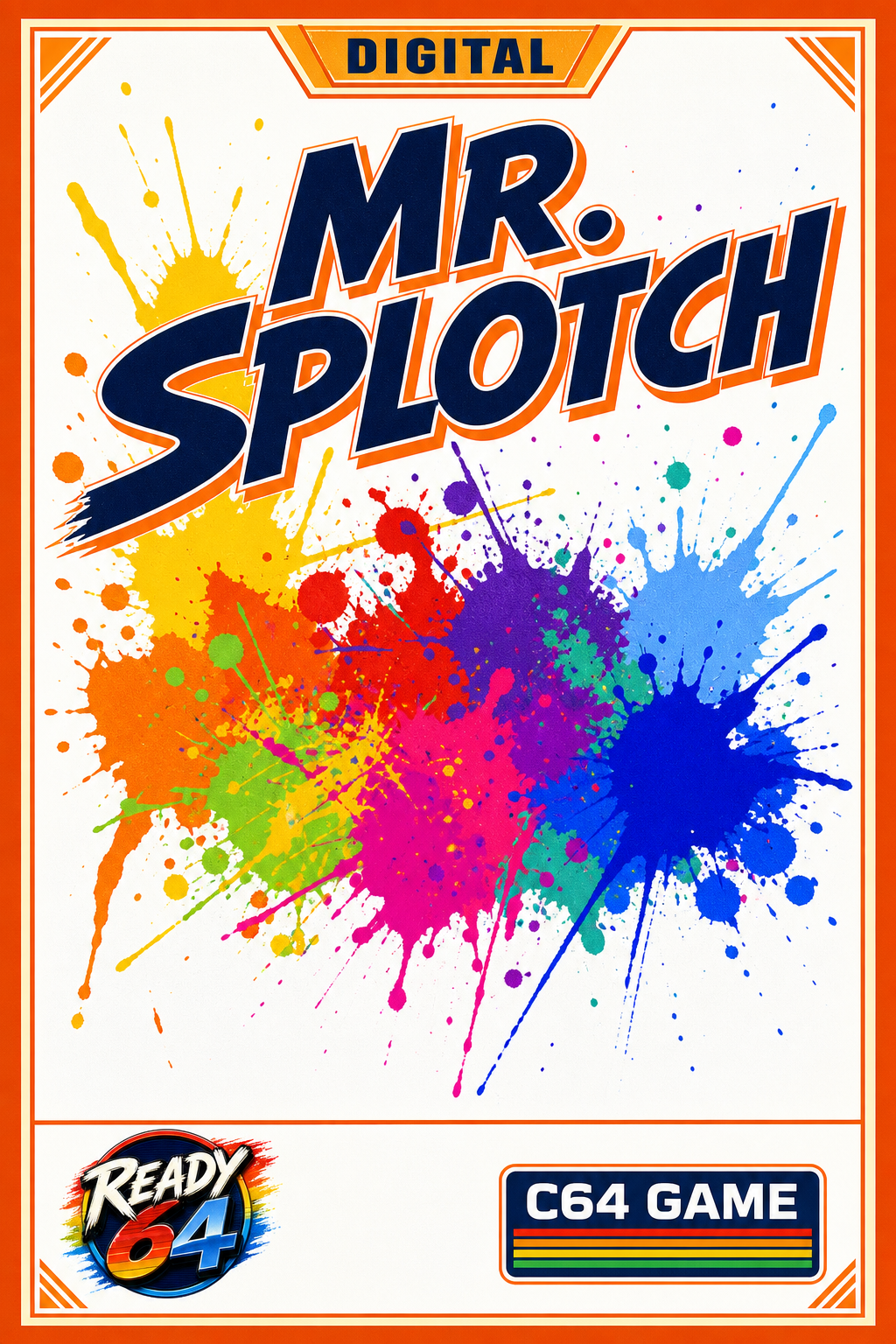
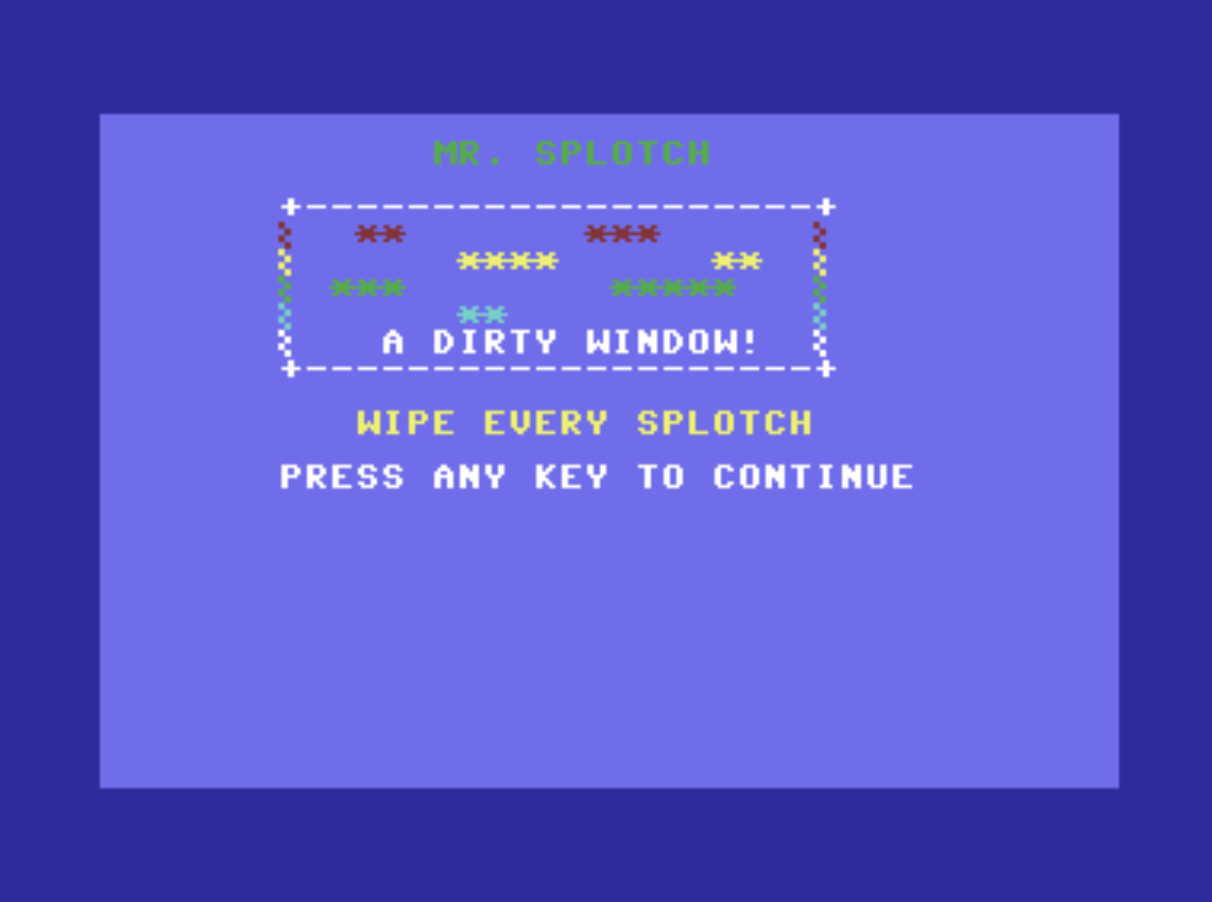
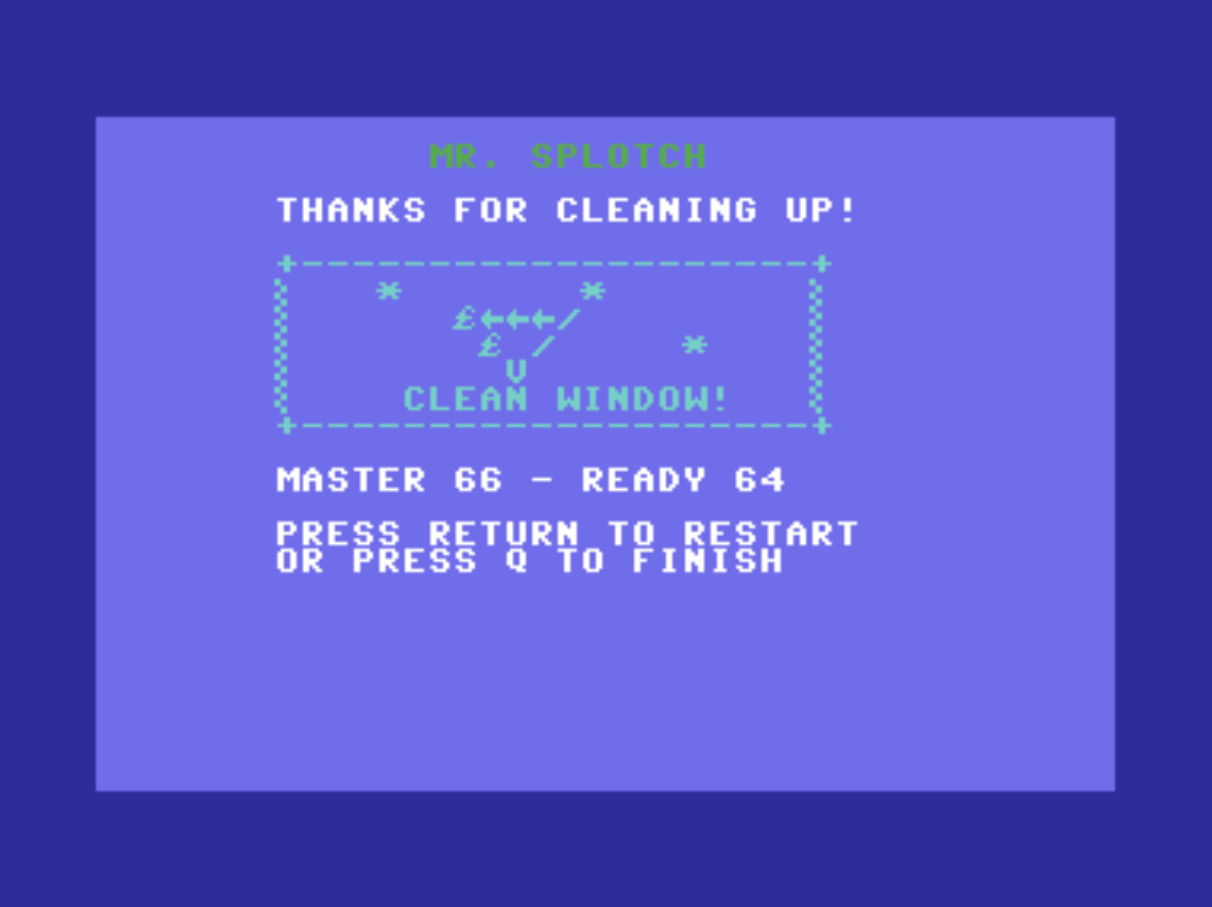
MR. SPLOTCH has covered your computer window with colourful, messy splotches!
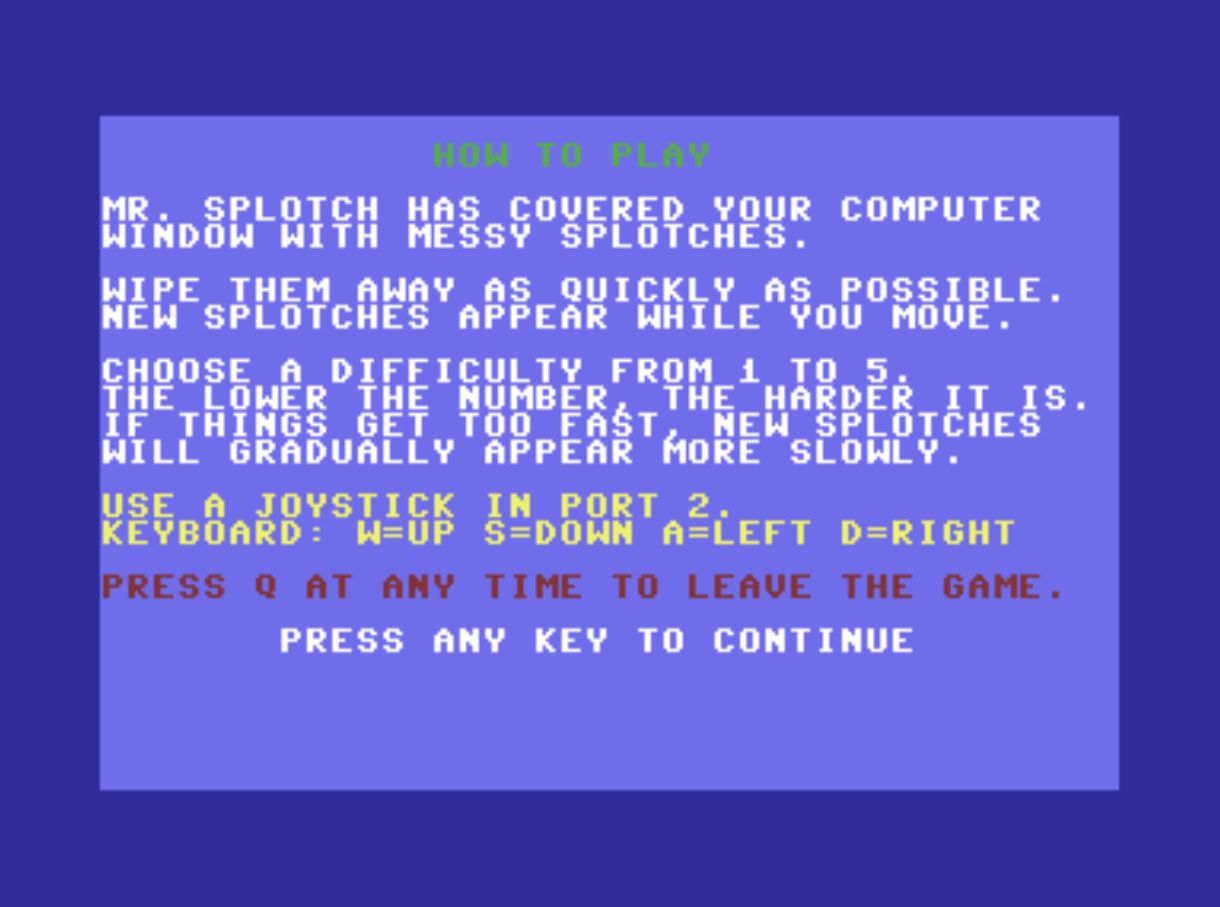
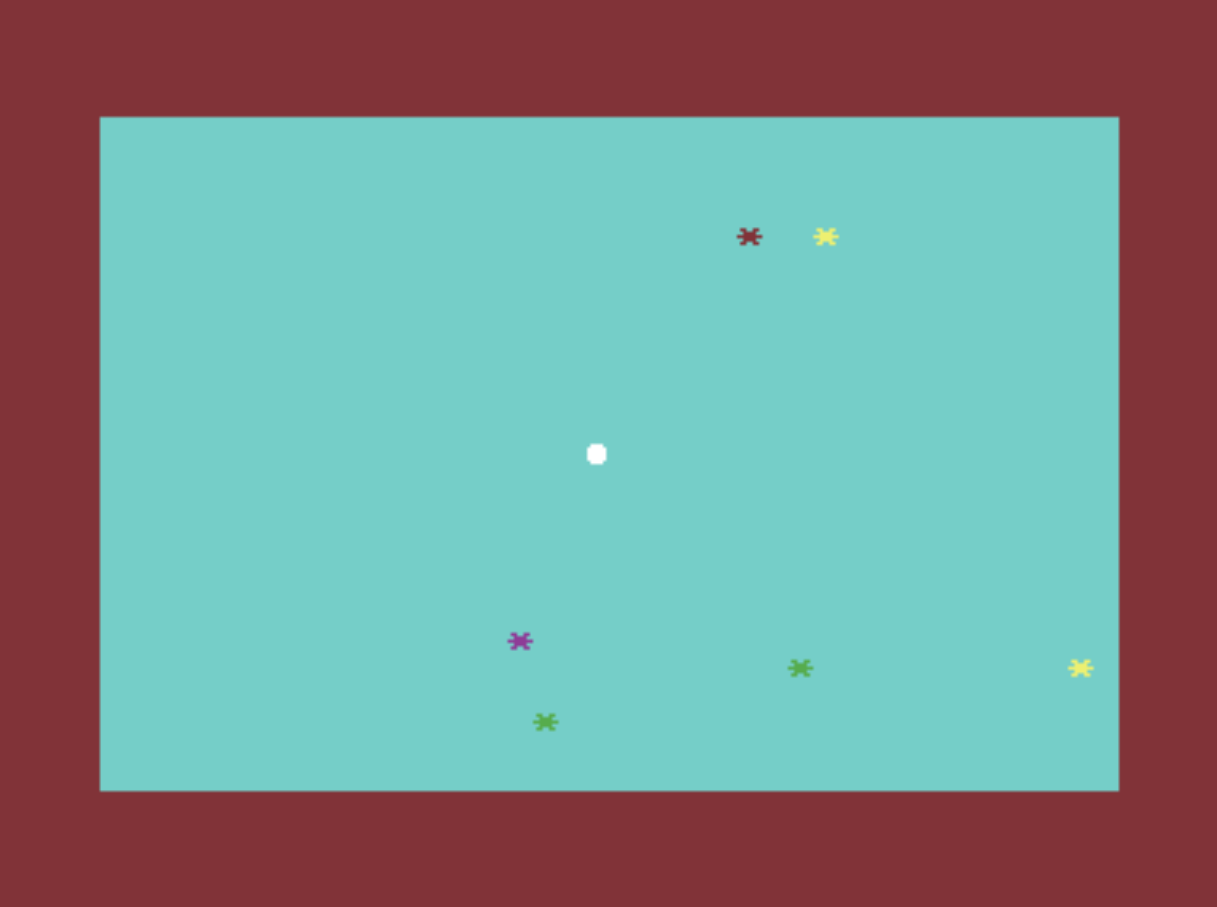
Move your cleaner across the screen and wipe away every splotch as quickly as possible. New splotches appear while you move, so keep working until the entire window is clean.
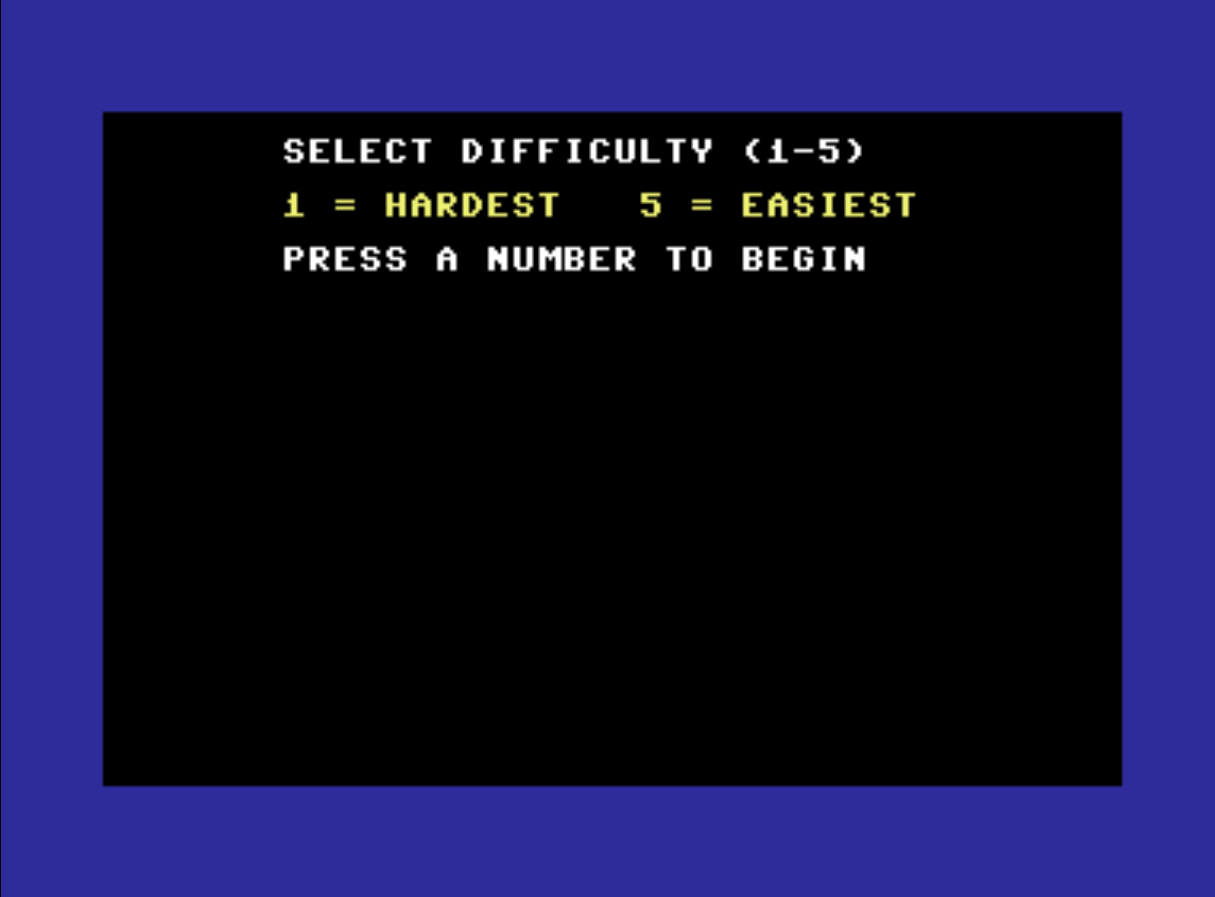
Choose a difficulty level from 1 to 5. The lower the number, the faster new splotches appear. If the game becomes too difficult, it will gradually slow down and give you a better chance to clean the screen.
Play with a joystick in port 2 or use the keyboard:
W – Up S – Down A – Left D – Right Q – Quit the game
How quickly can you clean up Mr. Splotch’s colourful mess?
Created for the READY 64 collection.
Download
Install instructions
DOWNLOAD AND PLAY
Download the MR. SPLOTCH game files.
- Open MR_SPLOTCH.prg or MR_SPLOTCH.d64 with a Commodore 64 ultimate.
- Press any key to continue.
- Select a difficulty level from 1 to 5.
- Use a joystick in port 2 or the W, S, A and D keys to play.
- Press Q at any time to leave the game.
The download contains:
• MR_SPLOTCH.prg – Ready-to-play Commodore 64 program
• MR_SPLOTCH.d64 – Commodore 64 disk image
MR. SPLOTCH is designed for the Commodore 64 ultimate .